4 min read
Google Business Profile Checklist for Service Businesses
Claim it, pick the right category, keep your details consistent, add real photos and answer reviews. A setup list and a ten-minute monthly routine.
NNebula Webtech
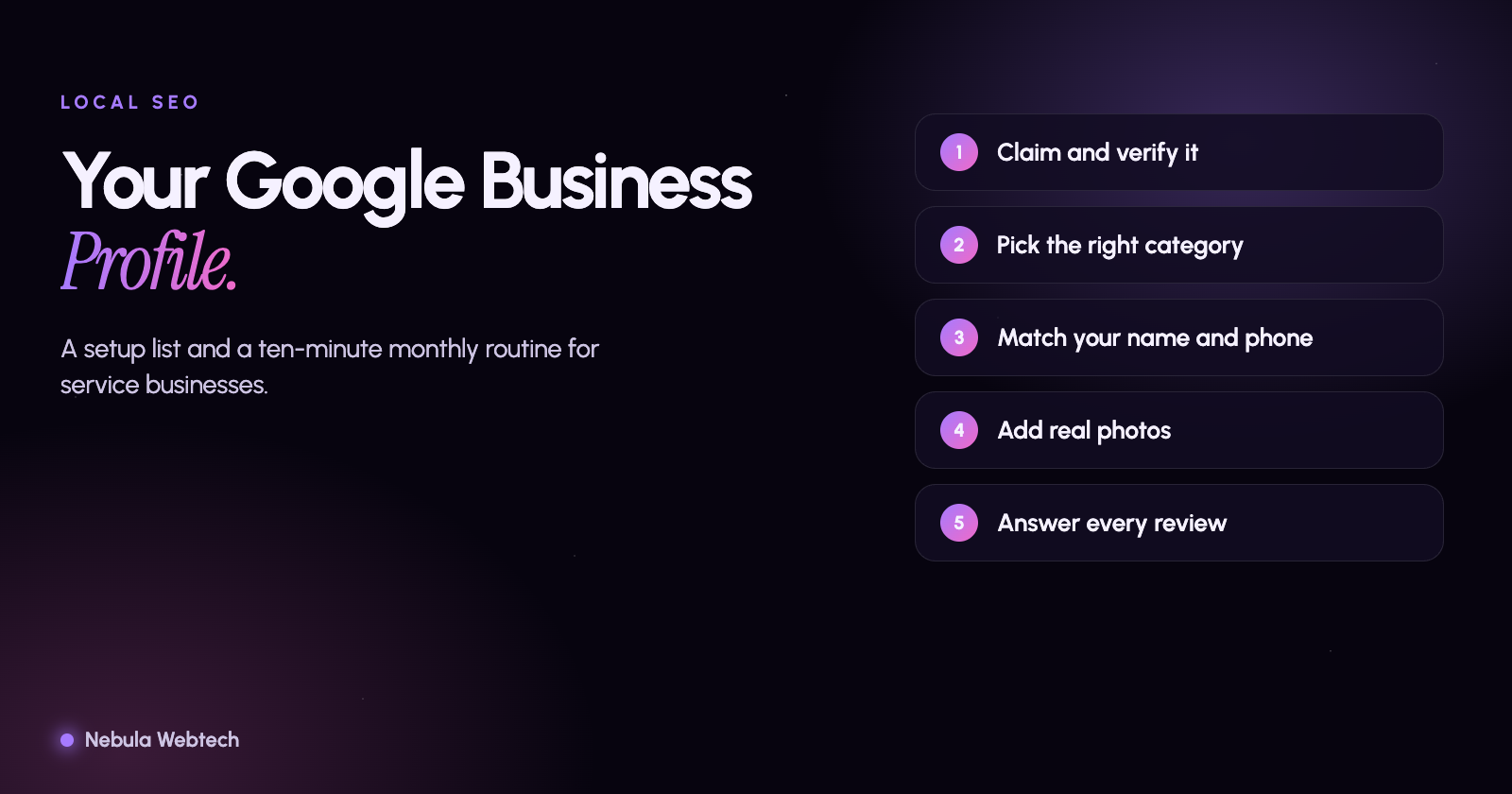
A Google Business Profile that brings calls is complete, accurate and kept current. Claim and verify it, choose the right main category, match your name, address and phone number to your website, list your services and hours, add real photos, and answer reviews. Then check it once a month. Most service businesses that skip this are not losing to better competitors. They are losing to a competitor who simply filled in the form.
Short answer: Your profile is often the first thing a local customer sees, before your website. Treat it as a second homepage and keep it as current as the first.
What is a Google Business Profile, and why does it matter?
It is the free listing that appears on Google Maps and in the box beside local search results. For many searches like "plumber near me" or "web designer in Palatine," it is the result people tap, call or get directions from. It does not replace a website, but it decides whether people reach your website at all.
The setup checklist
1. Claim and verify the profile
Search for your business name while signed in to the Google account you want to own it. If a listing exists, claim it. If not, create one. Verification is usually by video, phone, email or postcard. Do not skip it. An unverified profile cannot be fully managed.
Use an account that belongs to the business, not an employee's personal address. People leave companies, and recovering a profile later is painful.
2. Choose the main category carefully
Your primary category is the strongest signal you give about what you do. Pick the most specific one that is true, then add secondary categories for other real services. A roofer should not list "general contractor" first if most of the work is roofing.
3. Keep your name, address and phone number consistent
Use the same business name, address and phone number everywhere: the profile, your website footer, your social pages and any directory listing. Small differences such as "Suite" versus "Ste" are usually harmless, but a different name or an old phone number is not. If you serve customers at their location and do not have a storefront, set a service area and hide the street address, as Google allows.
4. Fill in hours, services and the description
Add regular hours, and update holiday hours before the holiday, not after. List each service you offer, with a short plain description. Write a business description that says what you do, who you do it for and where, in normal language, without stuffing it with keywords. Add your website link and, if you can, a separate link for booking or quotes.
5. Add real photos
Upload photos of your team, your work and your location. Real images of real jobs beat stock photos, and a profile with current photos looks active. Add a few new ones each month.
6. Earn reviews the honest way
Ask happy customers to review you, ideally right after a job goes well. A short message with your review link is enough. Google does not allow offering money or discounts for reviews, and it does not allow you to review your own business or to gate who you ask. Reply to every review, including the bad ones, calmly and specifically. A thoughtful reply to a complaint often does more for a future customer than ten five-star ratings.
7. Use posts and updates sparingly but regularly
A short update about a seasonal offer, a finished project or a change in hours keeps the profile fresh. It does not need to be daily. Once or twice a month is plenty for most small businesses.
How do you know it is working?
The profile has its own performance numbers: how many people called, asked for directions, visited your website or messaged you. Add a tracking tag to your website link so these visits are easy to find in your analytics. Compare a month to the month before and look at which actions grow.
A monthly routine that takes ten minutes
- Check that hours, phone number and website link are right.
- Reply to new reviews.
- Add two or three photos.
- Look at the call and website numbers.
- Search your main service plus your town and see how you appear.
If nothing changes after a few months, look at the website your profile links to. A profile can bring the visit, but the website has to turn it into a request. Our guide on why a website gets visitors but no inquiries covers that next step, and our free website and SEO audit shows what is holding your site back. If you would rather have someone set up your local presence and your site together, see our digital marketing services.
- Local SEO
- Small business