4 min read
Why Your Business Website Is Not Appearing in Google Search Results
A ten-minute diagnosis with site: search and Google Search Console: indexing, accidental blocks, relevance and trust, with the first fix for each.
NNebula Webtech
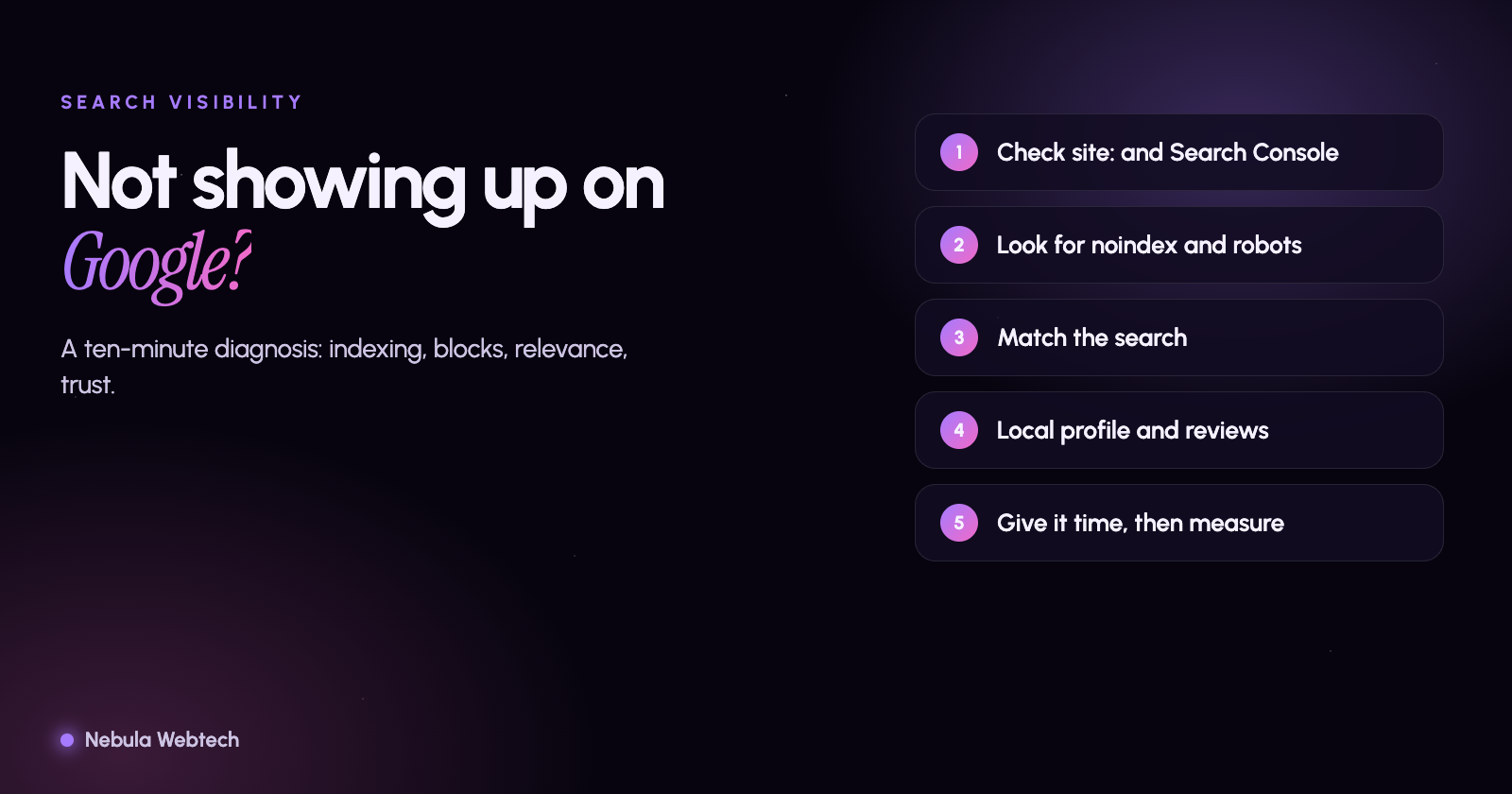
If your business website is not appearing in Google, the cause is usually one of four things: Google has not indexed the page, something is telling Google not to index it, the page is indexed but does not match what people search for, or competitors have stronger signals. You can tell which one it is in about ten minutes with Google Search Console and a search for your own site.
Short answer: Search
site:yourdomain.comand check Google Search Console. If pages are missing, the problem is indexing. If pages are indexed but never shown for your services, the problem is relevance, content or authority. The fix is different for each.
Step 1: Is your site indexed at all?
Search Google for site:yourdomain.com. This is a rough check, not an exact count, but it shows quickly whether Google knows your pages exist.
Then open Google Search Console (free), add your site if you have not, and use URL Inspection on your home page and a key service page. It will tell you whether the page is on Google, and if not, why.
Step 2: Are you accidentally blocking Google?
Common causes, especially after a redesign or a developer handoff:
- A "noindex" tag left on pages from a staging site.
- A
robots.txtrule that blocks the whole site or important folders. - WordPress "Discourage search engines" ticked in Settings.
- Login walls or heavy JavaScript that hide content from crawlers.
- Wrong canonical tags pointing at another address.
- A missing or broken sitemap, which makes discovery slower.
Each of these can be fixed in minutes, and they matter more than any content change, because a blocked page cannot rank at all.
Step 3: Is the site new or recently changed?
Google needs time to discover and evaluate new sites and pages. Submit your sitemap in Search Console, link new pages from pages that are already indexed, and give it a few weeks. If you migrated to a new design or domain, check that old URLs redirect to the new ones with permanent (301) redirects, and that you did not lose pages that used to rank.
Step 4: Is the page indexed but not showing up?
This is the most common situation for small business sites. Google knows the page but does not think it is the best answer. Check:
- Does the page match the search? A page titled "Home" does not match "emergency plumber in Schaumburg". Put the service and place in the title, headline and opening paragraph, in natural language.
- Is there a dedicated page for each service and each area? One page that mentions everything usually ranks for nothing.
- Is the content genuinely useful? Google's guidance favors content created to help people, with real experience and detail. Thin, generic or copied text does not hold up.
- Is your Google Business Profile complete and consistent? For local searches, the map results often sit above regular results. Your name, address, phone, categories, services, hours and reviews all matter.
- Is the site fast and usable on a phone? Google indexes the mobile version first.
Step 5: Do competitors simply have more trust?
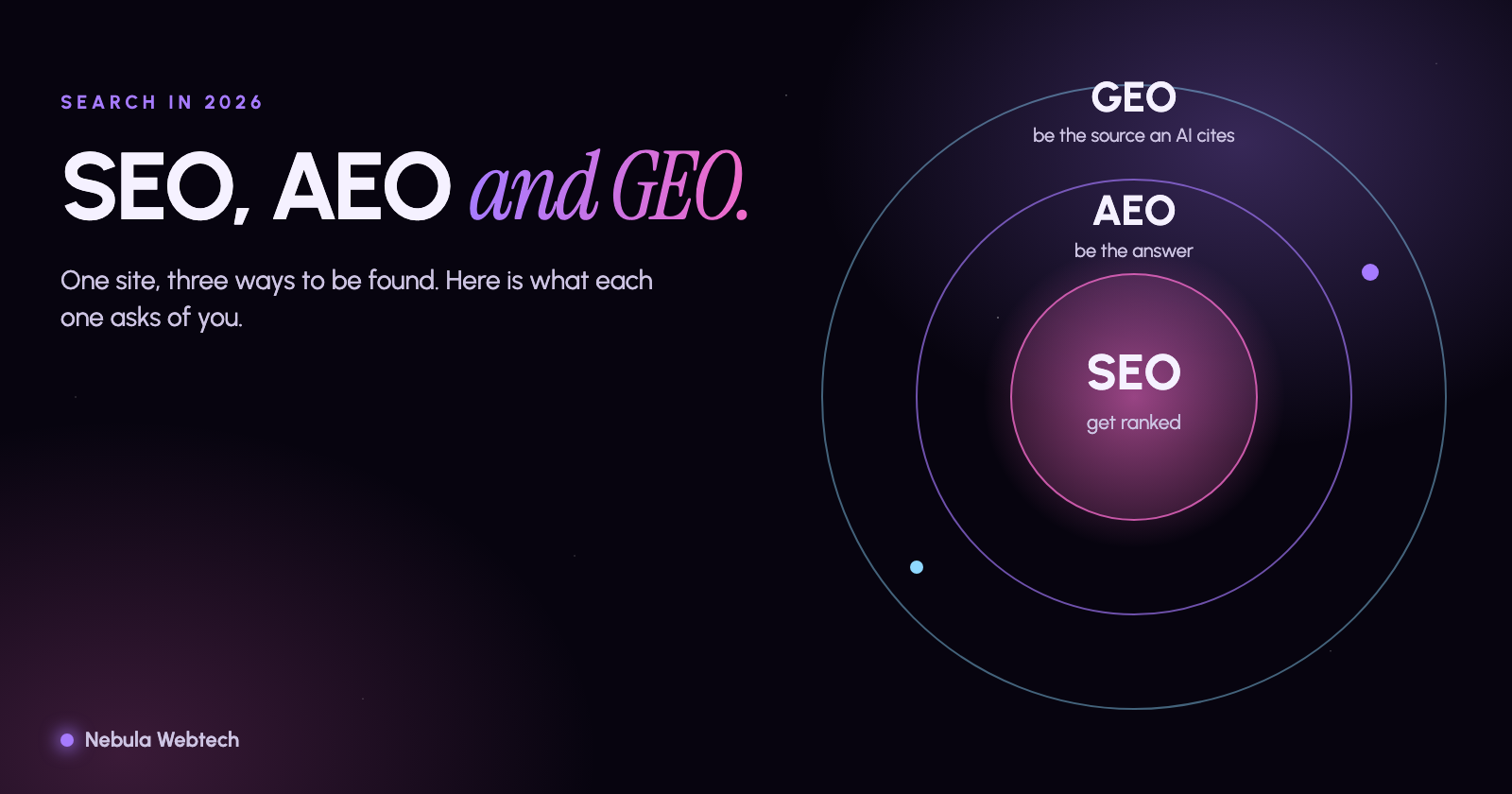
Authority builds over time through real signals: reviews, mentions in local directories and news, links from relevant sites, and consistent business details. You cannot shortcut this, and you should be wary of anyone who promises first-page rankings. Be careful with bought links and doorway pages; they can lead to penalties. Our guide to SEO, AEO and GEO explains how to be found in traditional and AI search.
A quick diagnosis table
| What you see | Likely cause | First fix |
|---|---|---|
Nothing for site: |
Not indexed or blocked | Check noindex, robots.txt, submit sitemap |
| Home page shows, service pages do not | Weak internal links or thin pages | Link to them, expand content |
| Indexed, but only for your brand name | Pages do not match service searches | Rewrite titles, headings and content |
| Shown on page 3 or beyond | Competition and authority | Improve content, reviews, local signals |
| Rankings dropped suddenly | Technical change or update | Check Search Console, recent site changes |
Frequently asked questions
How long does it take to appear on Google?
New pages can appear within days or take several weeks. Ranking well for competitive searches takes longer and depends on competition. Nobody can promise a timeline.
Does advertising help my organic ranking?
No. Paid ads and organic results are separate, though ads can bring visitors while you improve your SEO.
Should I pay for an SEO audit?
Start with the free checks above and our free Website and SEO audit, which flags indexing, speed, mobile and content issues across your site.
Next step
If your site is invisible and you are not sure why, run the free audit or ask us to look at it. Our SEO and digital marketing services cover technical fixes, local SEO and content.
- SEO
- Google Search Console
- Local SEO