7 min read
Website Redesign Checklist for Small Businesses in 2026
What to measure before you rebuild, which pages to protect, and the speed, search and AI-readiness checks to finish before launch day. A practical checklist for small business owners.
NNebula Webtech
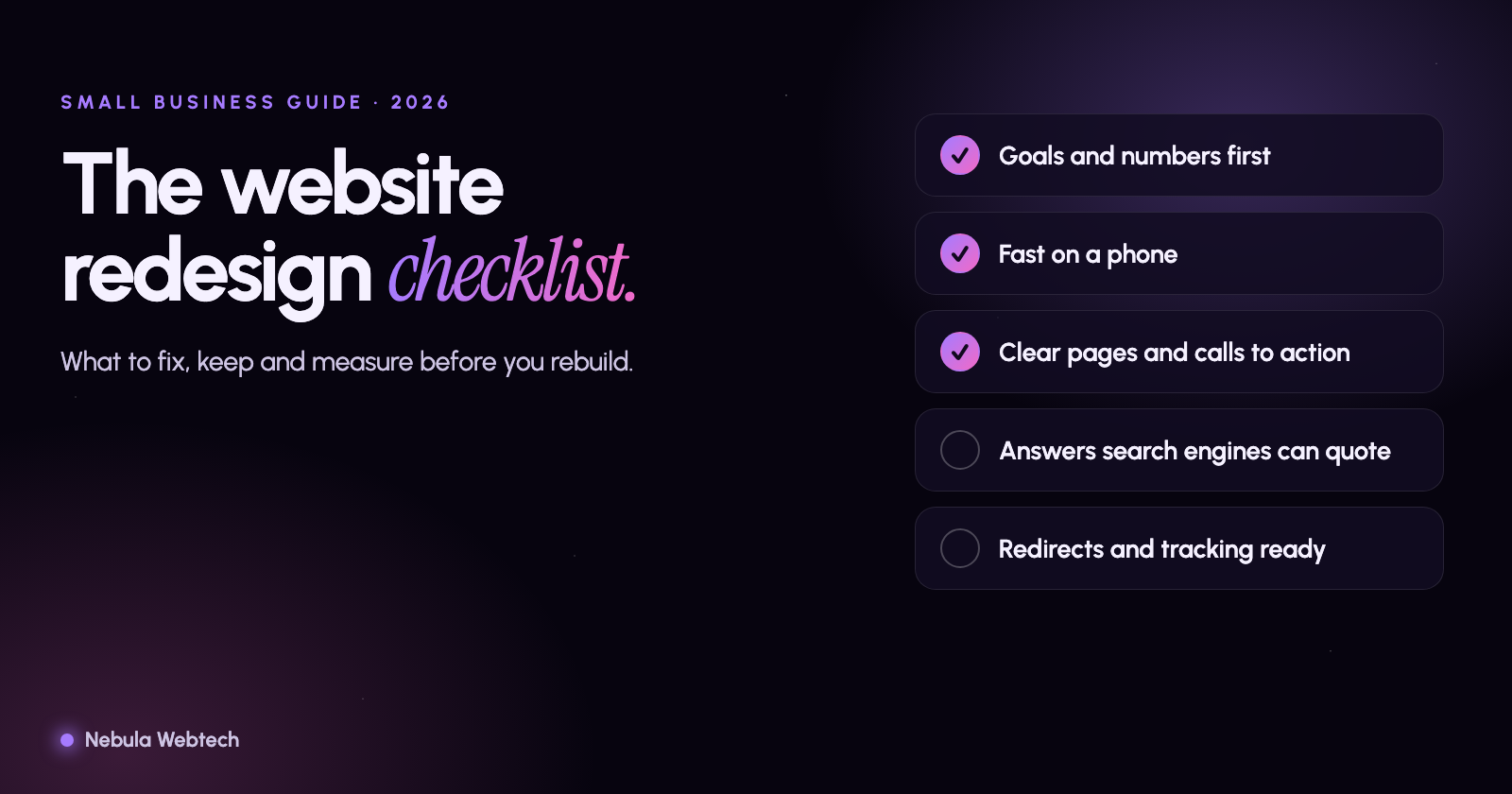
A website redesign goes well when you know what the old site is doing for you before you change anything. The rest of this checklist follows from that. Write down your numbers, keep the pages that bring in customers, fix what is slow or confusing on a phone, and make sure search engines and AI assistants can read every page you publish.
We build and rebuild small business sites in Palatine and across the Chicago suburbs. Most redesigns that go wrong did not fail because of the design. They failed because someone launched without a redirect list, lost a page that ranked, or never looked at how the old site performed. This list is meant to stop that.
Before you touch the design
Spend the first week on facts. You can do most of this yourself.
- Write down your baseline. Monthly visitors, the ten pages that get the most traffic, how many calls, form fills and direction requests the site produces, and where you rank for your three most important searches.
- List every URL that matters. Export your current pages from your sitemap or Google Search Console. Mark the ones that bring in traffic or leads. Those are the pages you protect.
- Run an audit of the current site. It shows you broken links, slow pages, missing titles and accessibility problems you would otherwise rebuild into the new site. Our free website audit takes a couple of minutes and emails you the report.
- Decide what success looks like. "More leads" is vague. "Twenty more quote requests a month from Schaumburg and Palatine" is something you can check in six months.
- Collect the real stuff. Photos of your team and your work, customer reviews you have permission to use, certifications, service areas, and the questions customers ask you on the phone every week.
Pick one job for each page
A page that tries to do five things does none of them well. Give every important page a single job: book a call, request a quote, find the address, read the pricing guide.
Then check the basics a visitor needs in the first screen on a phone: who you are, what you do, where you do it, and one clear button. If someone has to scroll or guess, you lose them.
Write answers, not just descriptions
Search has changed. People ask full questions, by voice and by typing, and Google and AI assistants often answer on the results page without anyone clicking. The pages that get quoted are the ones that state the answer plainly.
- Put the direct answer in the first two sentences of the page or section, then explain.
- Use real questions as headings: "How long does a roof replacement take?" beats "Our Process".
- Give each service its own page, and each location you serve its own page if you really work there.
- Add an FAQ to your main service pages. Use the questions your customers actually ask. We wrote more about this in SEO vs AEO vs GEO: what businesses need to know.
- Keep your business name, address, phone number and hours identical everywhere: your site, your Google Business Profile, your directory listings.
Make it fast and easy on a phone
Most of your visitors are on a phone, and Google judges your site mostly by how it works there. Google's Core Web Vitals give you three numbers to aim for: the main content should appear within 2.5 seconds, the page should respond to a tap within 200 milliseconds, and things should not jump around while loading.
The common culprits on small business sites are the same every time:
- Photos uploaded straight from a camera, three or four megabytes each. Resize them and use modern formats.
- A video or slider at the top of the home page that loads before anything else.
- Five plugins that each add their own scripts.
- A chat widget and three tracking tags that nobody remembers adding.
Test the new design on a real mid-range phone, on mobile data, before you sign off. Not just on your laptop with the browser window made narrow.
Get the technical basics right
These are the things that quietly decide whether the new site ranks as well as the old one.
- Redirects. Every old URL that has a new address needs a permanent (301) redirect to the closest matching page. This is the most common cause of traffic drops after a redesign.
- Titles and descriptions. Each page gets its own title and description written for a person, with the service and the place in it.
- One H1 per page, with headings in a logical order underneath.
- HTTPS everywhere, with the plain
http://andwwwversions all pointing to one version. - An XML sitemap submitted in Google Search Console, and a robots.txt that does not block pages you want found.
- Structured data. At minimum LocalBusiness or Organization markup, plus the markup for your FAQ and any articles. It labels your facts in a form machines read reliably.
- Accessibility. Enough color contrast, descriptions on images, forms that work with a keyboard, buttons you can actually tap. It helps everyone, and it protects you.
- Forms and tracking. Submit every form yourself before launch and confirm the message arrives. Check that calls and form fills are counted in your analytics.
Make sure AI tools can read you
More of your customers now ask an assistant before they ever search. These tools read your pages much like a search engine does, so the same rules apply, plus a few extras.
- Keep your important content in plain page text. Text that exists only inside images, PDFs or scripts is easy to miss.
- Check your robots.txt. If you want to be cited, do not block the crawlers that power AI search, such as OAI-SearchBot and PerplexityBot.
- Say who you are and what you do in plain words on the home page and the about page. Include your service area and years in business, if true.
- Earn mentions elsewhere: your Google Business Profile, local directories, trade associations, local news. AI answers lean on sources they can cross-check.
Launch week
- Freeze content changes for a few days before launch.
- Test every form, every phone number link and every redirect on the staging site.
- Launch early in the week and early in the day, so someone is watching if something breaks.
- Submit the new sitemap and check Search Console for errors the same day.
- Tell your customers. An email or a post that says the site is new brings people back to it.
The first 30 days
Check Search Console every few days for crawl errors and for pages that dropped out. Compare your numbers to the baseline you wrote down at the start. Fix broken links and missing redirects as they show up. A small dip in traffic for a couple of weeks is normal. A steady drop is a signal that something, usually redirects, needs attention.
Redesign or just fix it?
If your site loads fast, ranks for your main searches and brings in leads, but looks dated, you may only need a refresh of the design and some content. If it is slow, hard to edit, not mobile friendly, or built on software nobody updates, a rebuild is usually cheaper than patching it for years. An audit tells you which one you are looking at. Our web design and development service starts with exactly that conversation.
Questions we hear
How long does a small business website redesign take?
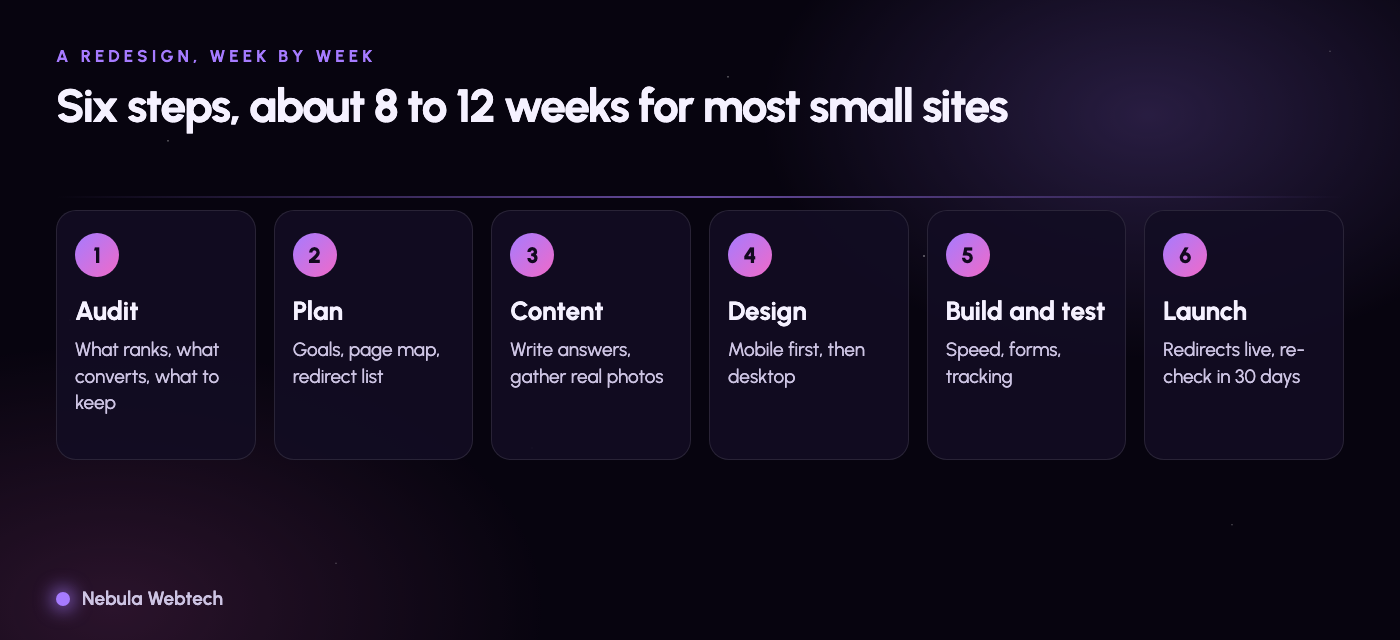
Most small sites take about eight to twelve weeks from the first call to launch. The biggest delays come from content: photos, text and approvals arriving late.
Will a redesign hurt my search rankings?
It can if old URLs are lost or not redirected. With a redirect map, matching page titles and content, and a check in Search Console after launch, most sites hold their rankings and then improve.
How much does a redesign cost?
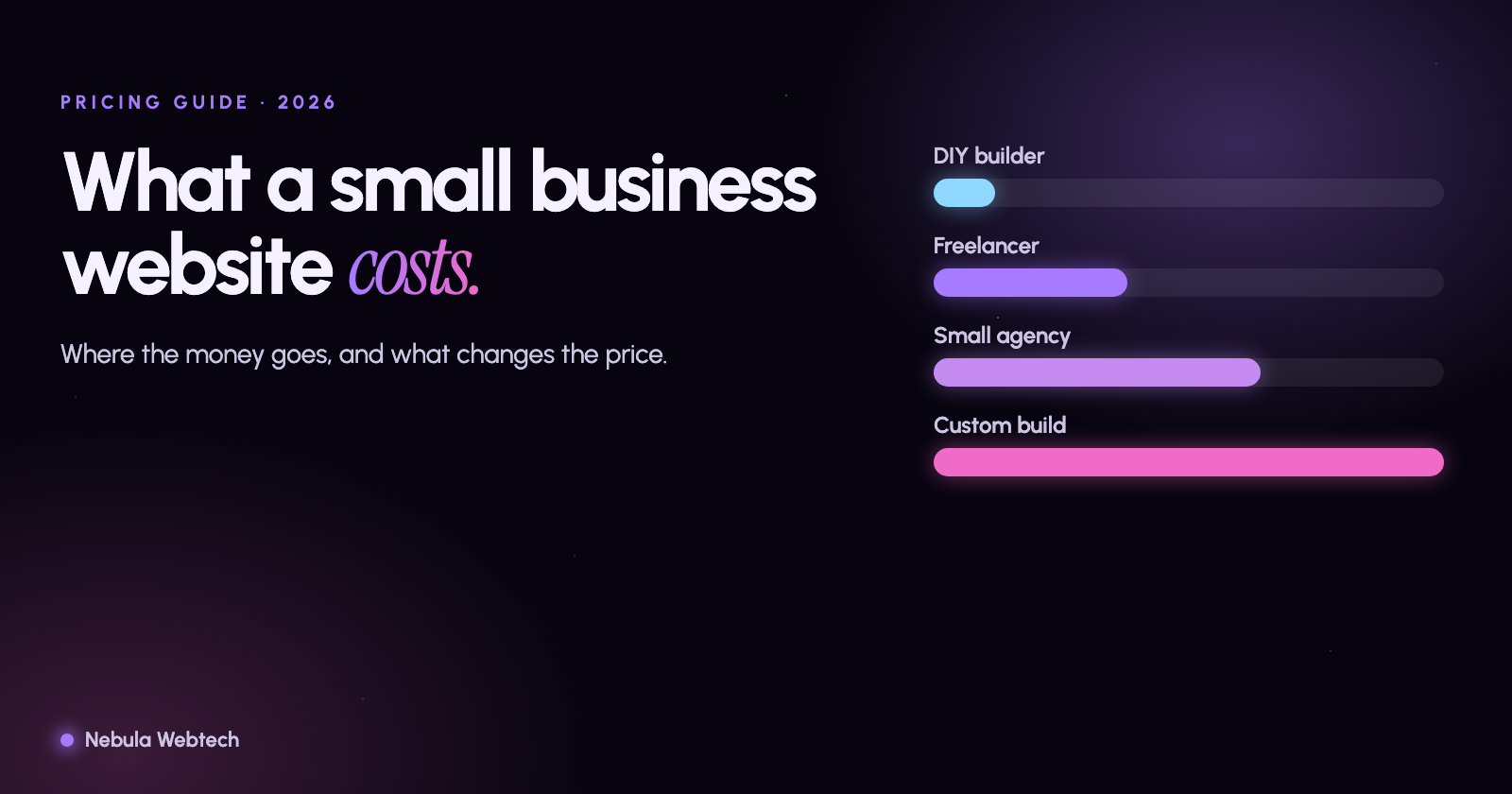
It depends on the number of pages, the features you need and how much content we write. We quote each project individually. Our guide to what a small business website costs in 2026 explains what drives the price.
Do I need to redo my content too?
Usually some of it. Old pages that are thin, repeated or out of date should be improved or merged. Pages that already bring traffic should be kept and polished, not thrown away.
What should I do first?
Look at your current site honestly. Run the free audit, write down your baseline, and list the pages you cannot afford to lose. Then talk to us and we will tell you what we would keep, fix and rebuild.
- Web design
- SEO
- Small business