4 min read
How to Stop Losing Customer Inquiries After Business Hours
Instant confirmations, phone alerts, online booking and a simple morning routine, so after-hours visitors wait for you instead of calling a competitor.
NNebula Webtech
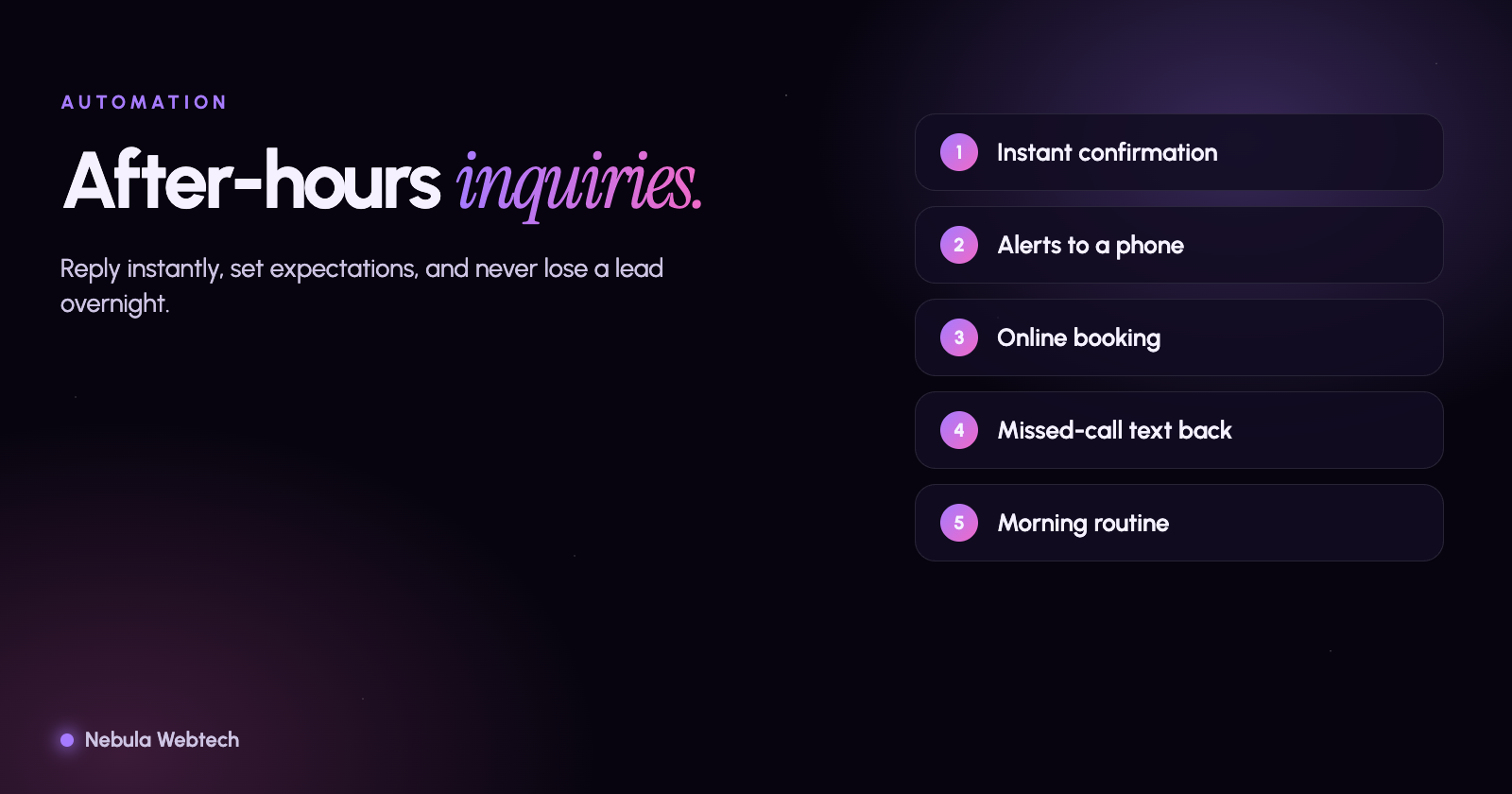
You stop losing after-hours inquiries by making sure every message gets an instant, honest reply and lands somewhere a person will act on it the next morning. The building blocks are simple: an immediate confirmation that says when you will respond, a form that captures what you need to follow up, notifications to a phone as well as email, and, where it fits, online scheduling or a carefully set up chatbot.
Short answer: People contact businesses outside business hours all the time. They will wait for you if they get a quick, clear acknowledgment and a firm time for the reply. They will not wait if the form goes silent.
Why do after-hours inquiries get lost?
Most are not lost by the website, but by what happens after the visitor presses submit:
- No confirmation, so the visitor assumes it did not work and contacts a competitor.
- The email lands in a shared inbox, a spam folder or an address nobody monitors.
- The next morning, inquiries are handled in the order they are noticed, not the order they arrived.
- Phone calls go to voicemail, and people hang up without leaving a message.
- The form is awkward on a phone, so evening visitors, who are mostly on phones, abandon it.
What does a good after-hours setup look like?
1. An instant confirmation that sets expectations
After submitting, the visitor should see a message on screen and receive an email or text: "Thanks, we received your request. We reply within one business day, and urgent requests received before 8 pm are returned by 9 am." Specific beats vague. Never promise a response time you will not keep.
2. A form designed for how people actually reach you
Keep the form short. Ask for name, a way to reply, and what they need. Add one question that lets you prioritize, such as "How soon do you need this?" or "Is this an emergency?" Make fields large and phone-friendly. For more tips, see how to improve website contact forms.
3. Notifications that reach a person
Route submissions to more than one place: a team inbox, a phone notification and your CRM or a shared spreadsheet. Test it by submitting your own form from a phone after hours and timing how long it takes to be noticed. Check your spam folder and email authentication so messages are not filtered.
4. Online scheduling where it fits
For appointment-based businesses, letting people book a time directly removes the wait entirely. Connect the form or a booking link to your calendar, with buffers and business hours built in.
5. Phone options that capture the caller
Voicemail alone loses most callers. A short greeting that states when you return calls, a text-back option ("Sorry we missed your call, text us what you need"), and a call-forwarding schedule for urgent lines all help. Be careful with automated texting: US rules such as the TCPA require appropriate consent, and state laws vary, so check with a qualified professional before sending automated messages.
6. Chatbots and AI assistants: useful, with limits
A chatbot can answer common questions (hours, service area, how to book) and collect details after hours. It should be honest that it is automated, hand off to a person for anything it cannot answer, and never invent prices, availability or promises. Poorly configured bots frustrate visitors more than no bot at all.
A simple morning routine
- Review everything received overnight within the first hour of the workday.
- Reply to the most urgent first, using a template you have written in advance.
- Log each inquiry with its source, so you can see which channels produce real customers.
- Weekly: count inquiries received versus answered and check how long replies took.
Frequently asked questions
Do I need to be available 24/7?
No. You need to acknowledge quickly and respond predictably. Many businesses win by being clear about when they will reply.
What is a reasonable response time?
It depends on your industry. For emergencies, as fast as you can. For general inquiries, many businesses aim for the same business day. The key is to measure it and improve it.
Can my current website do this?
Usually yes. Most contact forms can be connected to notifications, calendars and a CRM with some configuration or small development work.
Ready to close the gap?
We build and connect custom workflows and integrations, including forms, calendars, notifications and customer follow-up. Book an automation consultation and we will map where your inquiries are slipping through.
- Automation
- Lead follow-up
- Small business