4 min read
How to Read Google Search Console in Fifteen Minutes a Month
Four checks in a fixed order: indexed pages, impressions and clicks, top pages and searches, and links. Plus how to tell steady growth from a spike that fades.
NNebula Webtech
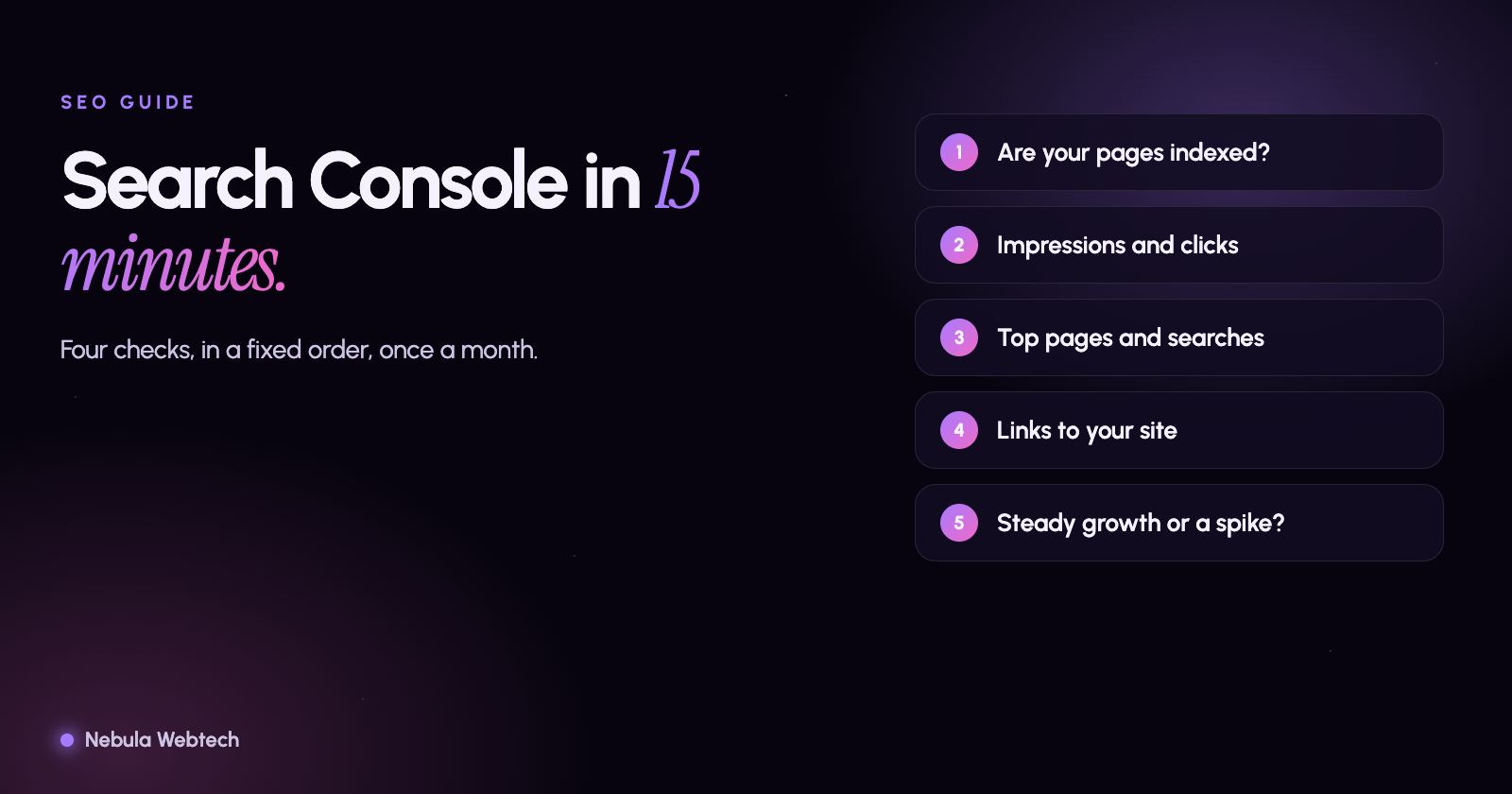
You can read Google Search Console in fifteen minutes a month if you look at four things in the same order: whether your important pages are indexed, how many people saw and clicked your site, which pages and searches drive that, who links to you, and whether Google has flagged any problems. Do it on the same day each month, write the numbers down, and compare. Steady small gains are the goal, not a single big number.
Short answer: Search Console is free and shows how Google sees your site. It is slow, and its data moves over weeks, so judge it by the trend over a month or more, not by one day.
What is Search Console?
It is a free tool from Google that shows how your site appears in Google Search: which pages are in the index, which searches show your site, how often people click, and what problems Google found. You verify that you own the site, and the data starts to collect from then on. It is not your analytics tool. Analytics shows what visitors do on your site. Search Console shows what happens before they arrive.
Step 1: Pages (about four minutes)
Open Indexing, then Pages. You will see how many pages are indexed and a list of reasons why other pages are not. Do not panic at the list. Many reasons are normal:
- Page with redirect and Alternate page with proper canonical tag are expected. They are old or duplicate addresses pointing to the right page.
- Not found (404) is fine for pages that no longer exist. It is a problem only for a page you want people to find.
- Discovered, currently not indexed means Google knows the page exists and has not crawled it yet. It is a queue, and it moves on Google's schedule.
- Crawled, currently not indexed means Google looked and decided not to keep the page for now. This is the one to think about. It often means the page is thin, very similar to others, or has no links pointing to it.
- Server error (5xx) is the one to fix quickly. It means your site failed when Google asked for the page.
Write down the indexed count. That one number, tracked monthly, tells you most of the story.
Step 2: Performance (about five minutes)
Open Performance and set the range to the last three months. Look at four numbers:
- Impressions: how often your site appeared in results.
- Clicks: how often someone chose it.
- Click-through rate: clicks divided by impressions.
- Average position: where you appeared. Under 10 is the first page.
Then open the Pages tab to see which pages earn impressions and clicks, and the Queries tab to see which searches bring them. Notice patterns. A page with many impressions and few clicks may need a clearer title and description. A search where you rank on page two is a chance to improve the page that answers it.
Be careful with sudden jumps. A sharp rise that fades a week later is a sign that Google tried your pages and then moved them down, not a victory. Slow, steady growth lasts.
Step 3: Links (two minutes)
Open Links. You will see the sites that link to yours. A handful of real links from relevant sites, such as clients, local directories and partners, helps more than hundreds of random ones. Write down the number of linking sites and check it each month.
Step 4: Experience and problems (two minutes)
Check the Core Web Vitals and HTTPS reports and any message in the notification bell. Fix anything marked as failing, starting with the pages that get the most visits.
What to do with what you find
- If an important page is not indexed, check that it loads, that nothing blocks it, that it has a clear title, and that other pages link to it. Then use URL Inspection to request indexing. The number of requests is limited, so use them for your most important pages only.
- If a page is indexed but gets no impressions, make the content more specific and link to it from related pages.
- After you fix a group of errors, click Validate fix. Google rechecks over days or weeks, and it does not need to be repeated.
A simple monthly log
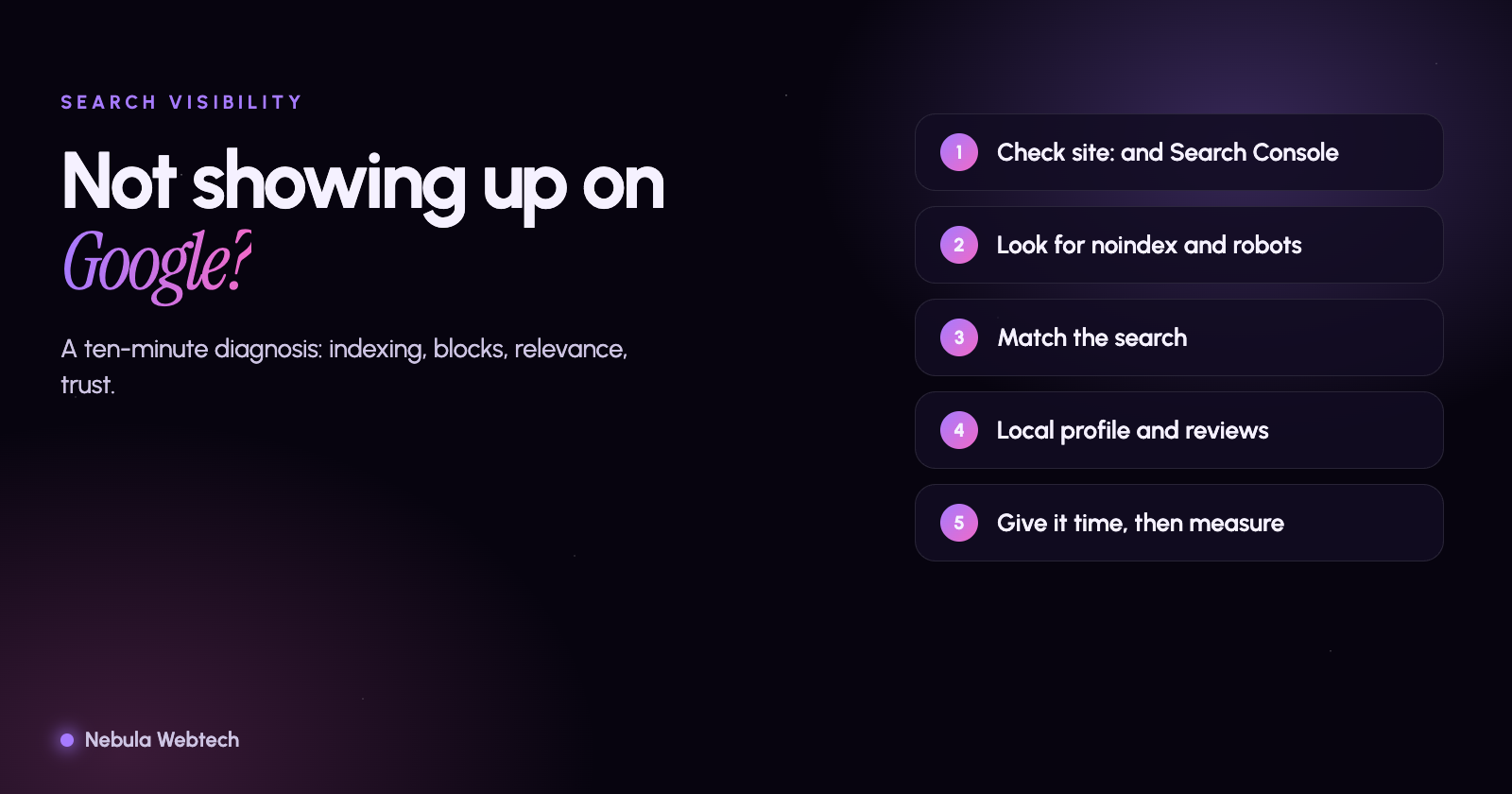
Keep a short table with the date, indexed pages, impressions, clicks, average position and linking sites. After three months you will know what normal growth looks like for your site, and you will spot problems early. If you would like help reading the data, our free website and SEO audit is a good starting point, and our guide to why a site is not appearing in Google explains what to check when pages are missing.
- SEO
- Google Search Console