4 min read
How to Find Technical SEO Issues That Are Costing Your Business Leads
Where to look first in Google Search Console, how to check speed, titles, redirects and structured data, and how to rank which fixes matter most.
NNebula Webtech
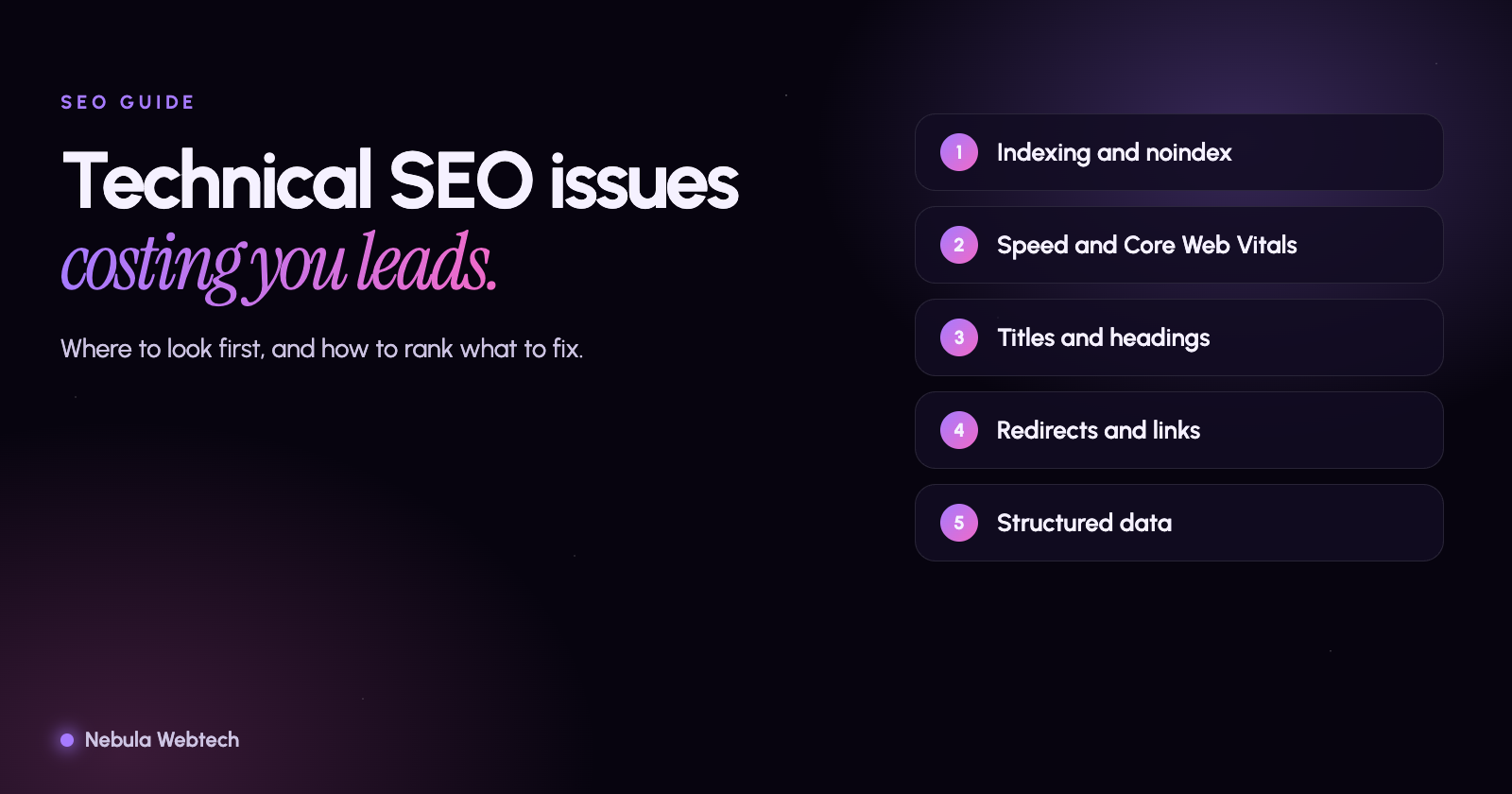
Technical SEO problems are the issues that stop search engines from finding, reading or trusting your pages, no matter how good the content is. The most expensive ones are pages blocked from indexing, slow or unstable pages, broken links and redirects, missing or duplicate titles, and mobile problems. You can find most of them with free tools in an afternoon.
Short answer: Start with Google Search Console (indexing, page experience, mobile usability), then crawl your site with a crawler or the free Website and SEO audit, and fix issues in order of how many pages and how many leads they affect.
What is technical SEO, and why does it cost leads?
Search engines work in three steps: they crawl a page, index it, and decide where to rank it. If a technical problem breaks step one or two, the page cannot appear for anyone, however useful it is. If it harms step three, you appear lower than competitors with a similar offer.
For a local business the leads at stake are specific: "emergency electrician near me", "tax preparer in Schaumburg", "wedding venue". A service page that is not indexed is a lead that goes to someone else.
Where should you look first?
1. Google Search Console: indexing
Open Pages under Indexing. You will see which pages are indexed and why others are not. Pay attention to:
- Excluded by "noindex" tag. Sometimes left on after a redesign. Fatal for any page that should rank.
- Blocked by robots.txt. Check that your
robots.txtdoes not block pages or folders you want found. - Crawled, currently not indexed or Discovered, currently not indexed. Google chose not to include the page, often because it is thin, duplicate or hard to reach.
- Duplicate without user-selected canonical. Several URLs show the same content and Google had to guess.
- Not found (404) and Server error (5xx). Broken pages that waste crawl visits and frustrate visitors.
2. Page experience and speed
Check Core Web Vitals and Page experience reports, then test your main pages in PageSpeed Insights. Google's "good" targets are a Largest Contentful Paint of 2.5 seconds or less, an Interaction to Next Paint of 200 milliseconds or less, and a Cumulative Layout Shift of 0.1 or less. Common fixes are compressing and resizing images, loading fewer third-party scripts and reserving space for images so the layout does not jump.
3. Titles, descriptions and headings
Each page needs one clear <title>, one <h1> and a useful meta description. Duplicate titles across many pages (for example every service page titled "Services | Company") are a frequent and easy win. Aim for titles that fit in roughly 60 characters so they are not cut off in results.
4. Redirects, links and canonical tags
After a redesign, old URLs often lead to 404 pages or long redirect chains. Redirect each old address to the closest new page with a single 301. Fix internal links that point to redirected or broken pages. Make sure each page has one canonical URL, and that your https:// and www versions resolve to one address.
5. Structured data
Schema markup such as Organization, LocalBusiness and BreadcrumbList helps search engines understand who you are. It must match what is visible on the page, and it must be valid. Test with Google's Rich Results Test or the Schema Markup Validator. Note that structured data helps interpretation; it is not a ranking switch.
6. Mobile and accessibility basics
Google indexes the mobile version of your site first. Text should be readable without zooming, tap targets should be large enough (WCAG 2.2 asks for at least 24 by 24 CSS pixels), and nothing important should be hidden on mobile.
How do you prioritize what you find?
Not every flag matters equally. Use this order:
| Priority | Type of issue | Why |
|---|---|---|
| 1 | Money pages not indexed or blocked | They cannot bring any leads |
| 2 | Site-wide problems (speed, mobile, security) | They affect every page |
| 3 | Duplicate or missing titles and headings | Cheap fixes with visible results |
| 4 | Broken links and redirect chains | Waste crawl effort and visitors |
| 5 | Structured data and polish | Helps understanding; smaller direct effect |
A practical routine
- Monthly: check Search Console for new indexing or Core Web Vitals warnings.
- After every change to the site: crawl it again and compare.
- Quarterly: review your top service pages for accuracy, links and speed.
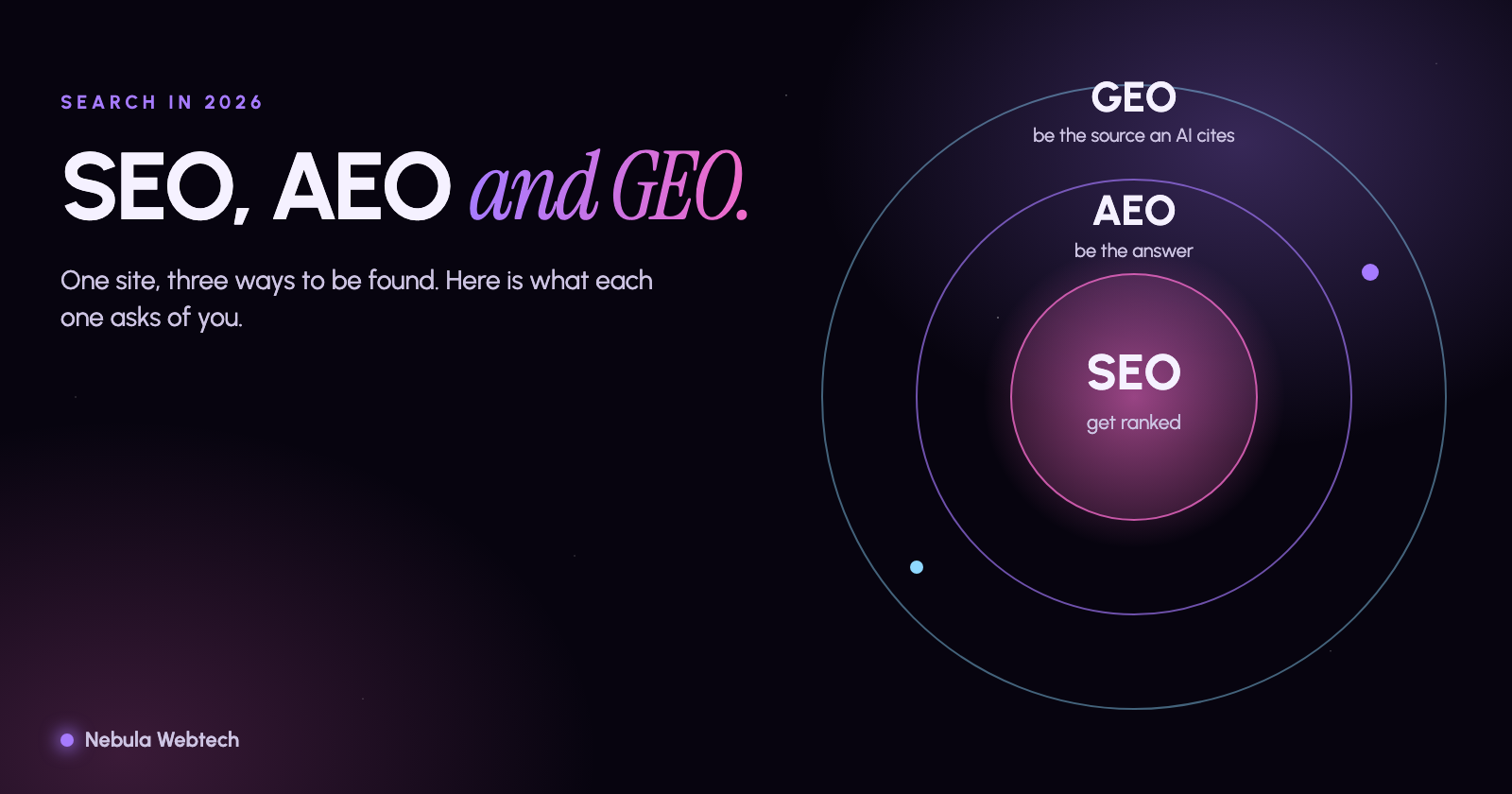
If you want the full list without doing the crawling, our free Website and SEO audit checks titles, indexing signals, speed, mobile, accessibility and structured data across your site and ranks the fixes by impact. For how technical SEO fits with AI search, read SEO vs AEO vs GEO.
Frequently asked questions
Can I fix technical SEO myself?
Many items, such as titles, headings and image sizes, are manageable in a website builder or CMS. Issues around redirects, server settings and speed usually need a developer.
Does fixing technical SEO guarantee better rankings?
No. It removes obstacles so that your content can compete. Rankings also depend on relevance, content quality, links and competition, and nobody can promise a position.
How often should I run an audit?
At least quarterly, and after any redesign, migration or major plugin or platform update.
Want a second pair of eyes?
Run the free audit to see what is holding your site back, or talk to us about fixing it. Our digital marketing services include ongoing technical SEO.
- SEO
- Technical SEO
- Core Web Vitals