4 min read
How to Automate Customer Follow-Ups From Your Business Website
What to automate and what to keep human, a simple follow-up workflow, the consent rules to respect, and how to keep messages sounding like you.
NNebula Webtech
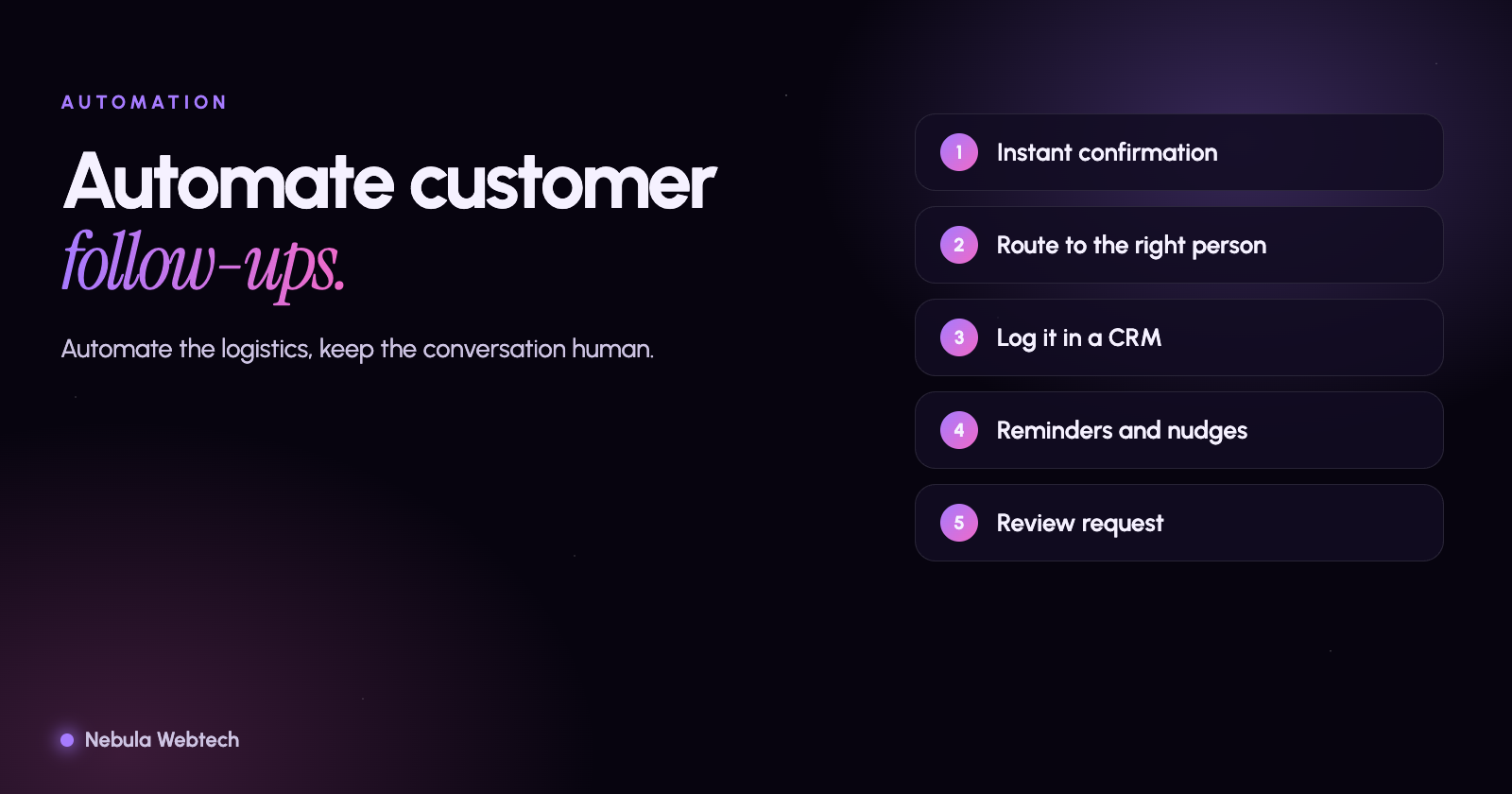
You can automate customer follow-ups from your website by connecting your forms to a system that sends an instant confirmation, notifies your team, records the lead in a CRM or spreadsheet, and sends a short, timed sequence of helpful messages until the person replies or books. Done well, automation makes you faster and more consistent without sounding like a robot.
Short answer: Automate the repetitive parts (confirmation, routing, reminders and status updates), and keep the personal parts (the first real conversation, quotes and anything sensitive) human. Always get consent before sending marketing messages, and make it easy to opt out.
What should be automated, and what should not?
| Automate | Keep human |
|---|---|
| Instant "we got your request" confirmation | The first call or message about their specific situation |
| Alerts to the right person | Pricing and proposals |
| Adding the lead to your CRM | Complaints and sensitive topics |
| Appointment reminders | Anything where tone matters more than speed |
| "Still interested?" nudges after a set time | Final decisions about whether to take on a job |
| Review requests after the job | Replies to detailed or unusual questions |
What does a simple follow-up workflow look like?
- Visitor submits the form. The form captures name, a way to reply, what they need and how soon.
- Instant confirmation. An on-screen message and an email or text saying what happens next and when.
- Internal alert and routing. A notification goes to the right person based on service, location or urgency, and the lead is recorded with its source.
- Human reply within your promised window. Templates help, but personalize the first line.
- Automatic reminders for you. If a lead has not been contacted in a set time, escalate to another team member.
- Nurture sequence. If the person has not booked or replied, send two or three useful messages over a few weeks: how your process works, an answer to a common question, a link to book.
- After the job. Thank the customer and ask for a review, with a direct link to your review page.
Which tools can do this?
Most small businesses can start with tools they already own:
- Your website form or CMS for confirmations and notifications.
- A CRM such as HubSpot, Zoho, or a lighter tool, to record leads and stages. When you are ready to choose one, start with the simplest tool your team will keep up to date.
- Calendar and scheduling links so people can book without email back and forth.
- Automation connectors for linking systems that do not talk to each other directly.
- Custom development when your workflow is specific or when you need data to stay under your control.
Pick the simplest option that covers the workflow you have written down. Complicated automation that nobody maintains causes more problems than it solves.
What are the rules to follow?
- Consent. Do not add contacts to marketing lists without permission, and do not send automated marketing texts without the consent required by US rules such as the TCPA and by state law. Ask a qualified professional if you are unsure.
- Unsubscribe. Every marketing email needs a working opt-out and your business address, as required by the CAN-SPAM Act.
- Privacy. Collect only what you need, publish a privacy policy, and protect the data.
- Honesty. Do not pretend automated messages are personal, and do not promise things you cannot deliver.
How do you keep automation sounding human?
- Write each message the way you would say it to a customer.
- Use the person's name and the service they asked about, not generic filler.
- Keep messages short, with one clear next step.
- Stop the sequence the moment the person replies or books.
- Read your own automated messages from the customer's side every quarter.
How do you measure whether it works?
Track a few numbers in your CRM or spreadsheet: time to first response, percentage of inquiries that become conversations, percentage that book or buy, and which sources produce them. Review monthly and change one thing at a time. Our article on after-hours inquiries covers response time in more detail.
Frequently asked questions
Will automation make my business feel impersonal?
Not if you automate logistics and keep the conversation human. Customers appreciate fast, clear acknowledgments.
Do I need a CRM?
Once you receive more inquiries than you can track in your head, a CRM or a well-organized spreadsheet pays for itself.
Can this be added to my existing website?
Usually, yes. We often connect existing forms to notifications, calendars and CRMs without rebuilding the site.
Let us map your follow-up process
We design and build custom integrations and workflows for small businesses. Book an automation consultation and bring your current process; we will show you what is worth automating first.
- Automation
- CRM
- Lead follow-up