4 min read
Website Maintenance vs. Emergency Repairs: Which Costs Businesses More?
What a website emergency really costs beyond the repair bill, when emergency-only support is enough, and how to compare it with a maintenance plan.
NNebula Webtech
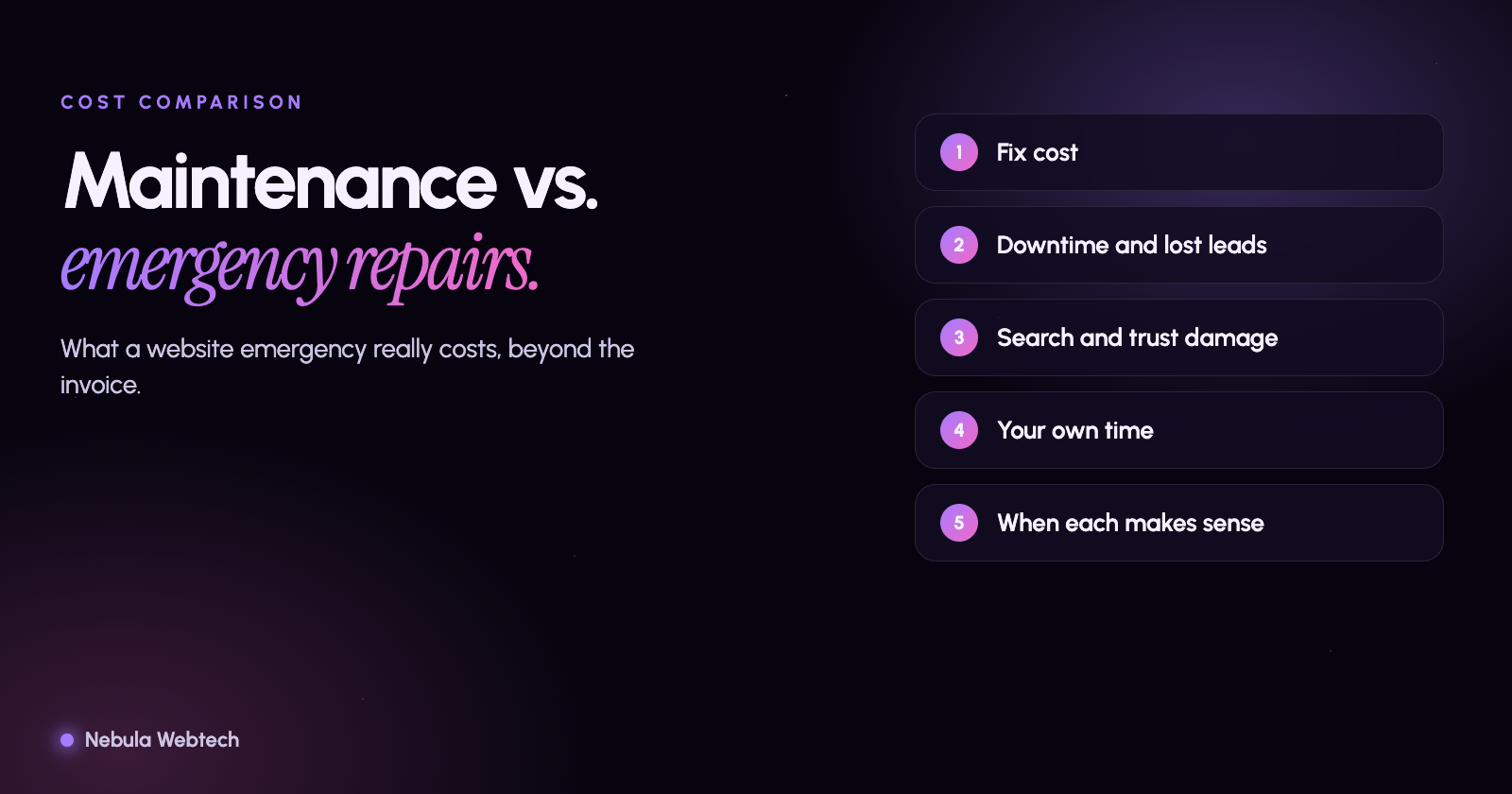
For most businesses, regular website maintenance costs less than repeated emergency repairs, once you count everything an emergency really costs: urgent fees, lost leads while the site is down, damaged search visibility and customer trust, and the time you spend managing the crisis. Maintenance is predictable and small. Emergencies are unpredictable, often rushed, and sometimes avoidable.
Short answer: A maintenance plan is a known monthly cost that prevents most failures and shortens the rest. An emergency repair is a one-off cost that lands at the worst moment and usually includes hidden losses. The right choice depends on how much your website earns you.
What counts as maintenance, and what counts as an emergency?
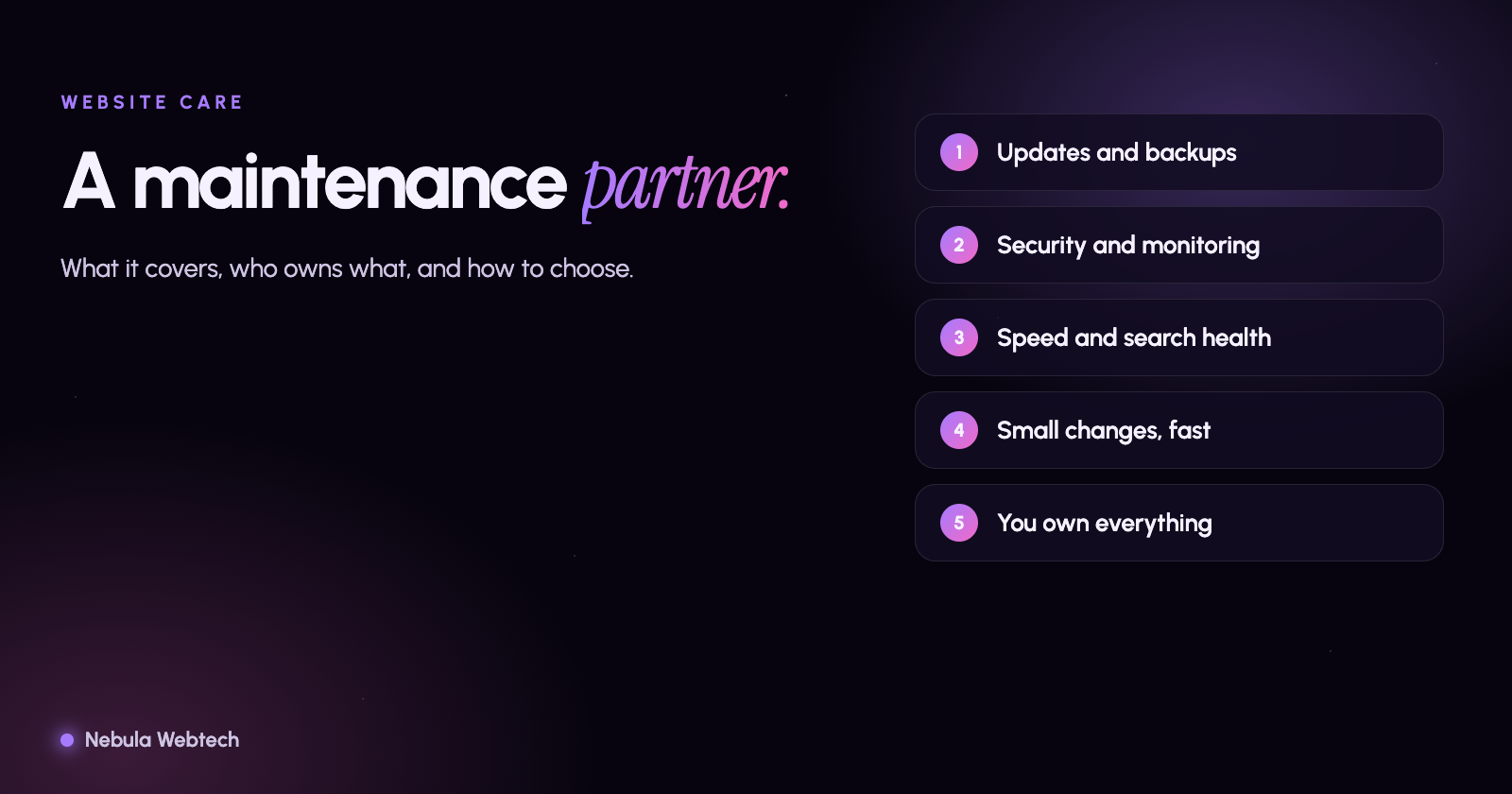
Maintenance is planned work done on a schedule: updates, backups, security scanning, uptime monitoring, performance checks and small content changes. See what a maintenance partner actually does.
An emergency repair is unplanned work after something breaks: a hacked site, a failed update, a crashed checkout, an expired SSL certificate, a form that stopped sending leads, or a server that is down.
What does an emergency really cost?
The invoice is only part of it. Think through each of these for your own business:
| Cost | What it looks like |
|---|---|
| Fix itself | Urgent or after-hours rates, a developer who has to learn your site first |
| Downtime | Hours or days without leads, bookings or orders |
| Lost inquiries | Contact forms failing silently for weeks before anyone notices |
| Search impact | Errors, slow pages or hacked content can hurt rankings and trigger browser warnings |
| Trust | Visitors who see a security warning or a broken page do not come back |
| Your time | Phone calls, decisions and checking the work instead of running the business |
| Cleanup | Malware removal, password resets, notifying customers if data was involved |
Because the real cost depends on what your website earns, estimate yours. If the site brings in a handful of inquiries a week, work out what a day of lost inquiries is worth to you. That number, not a generic figure, is your downtime cost.
When is emergency-only support enough?
Pay-as-you-go can be reasonable if:
- The site is a simple brochure that does not drive leads or sales
- It rarely changes and uses few plugins or integrations
- You can tolerate days of downtime
- You keep your own tested backups and know who to call
For these sites, a yearly check-up may be enough. The risk is that nobody is watching, so problems wait until a customer finds them.
When does maintenance clearly pay off?
Maintenance is usually the cheaper path when:
- The website is a main source of leads, bookings or sales
- It runs on WordPress or another platform with frequent plugin and security updates
- It handles forms, payments, accounts or personal information
- You depend on search visibility and local reviews
- Nobody in the business has time to watch the site
How do you compare the two in numbers?
- Add up a year of maintenance at the quoted price.
- Estimate one bad incident: the repair cost, plus the lost leads for the days it is down, plus your own time.
- Ask how often incidents are likely. If your site has had two or more problems in the last year, maintenance probably wins.
- Remember that maintenance also includes improvements that grow the site, such as speed and search health, which an emergency fix never does.
Be wary of any plan that cannot show what is included. Ask about response times, backup testing, security monitoring and reporting, and confirm that you own your domain, hosting account and content.
What should a good plan include?
- Regular updates with testing before they go live
- Off-site backups and a tested restore process
- Uptime, form and certificate monitoring with alerts
- Security scanning and cleanup if something goes wrong
- A named response time for emergencies
- A short monthly report in plain language
- Small content and fix requests included or clearly priced
Frequently asked questions
Is maintenance worth it for a small brochure site?
If the site rarely changes and brings few leads, a lighter plan or a yearly review may be enough. The more the site earns, the more it makes sense to protect it.
Can emergency fixes be included in a plan?
Many plans include emergency response, within defined limits. Read what is covered and what is billed separately.
What if my site was built by someone else?
We can review it first and tell you honestly what it needs. See our web maintenance services.
Find out where you stand
Request a maintenance assessment and we will check your site's updates, security, backups and performance, then show you the options without pressure. You can also start with the free Website and SEO audit.
- Maintenance
- Security
- Pricing